A tour of Process Lasso’s main window, rules and automation. Click any screenshot to see it full size. Download Process Lasso
The Main Window
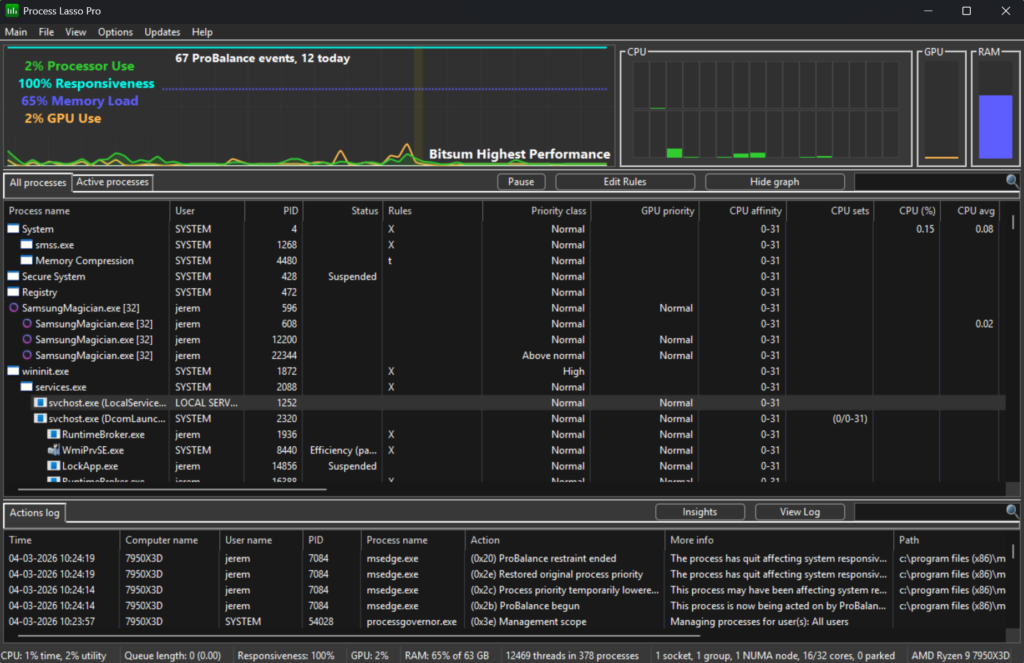
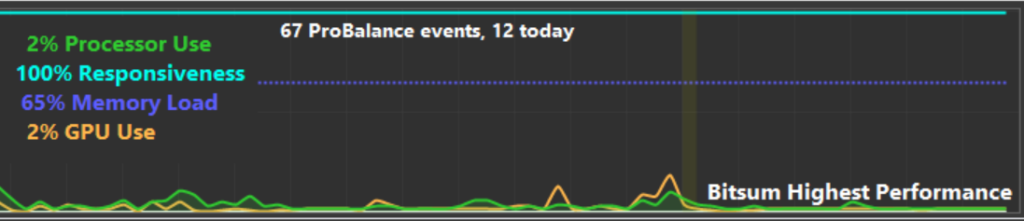
The main window: Live graph, process list with rules, and the actions log.The graph: CPU, GPU, memory and responsiveness, plus the active power plan.
Rules and Automation
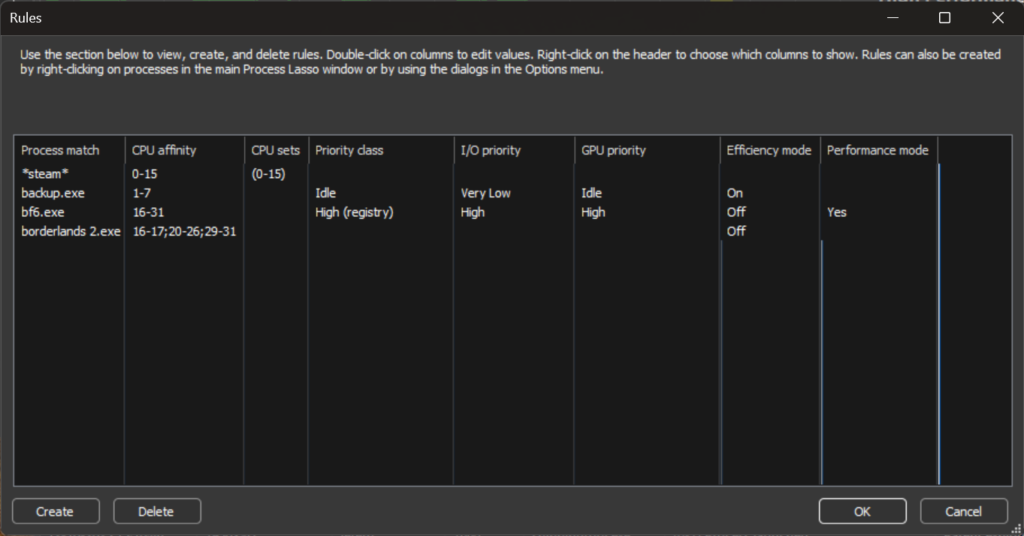
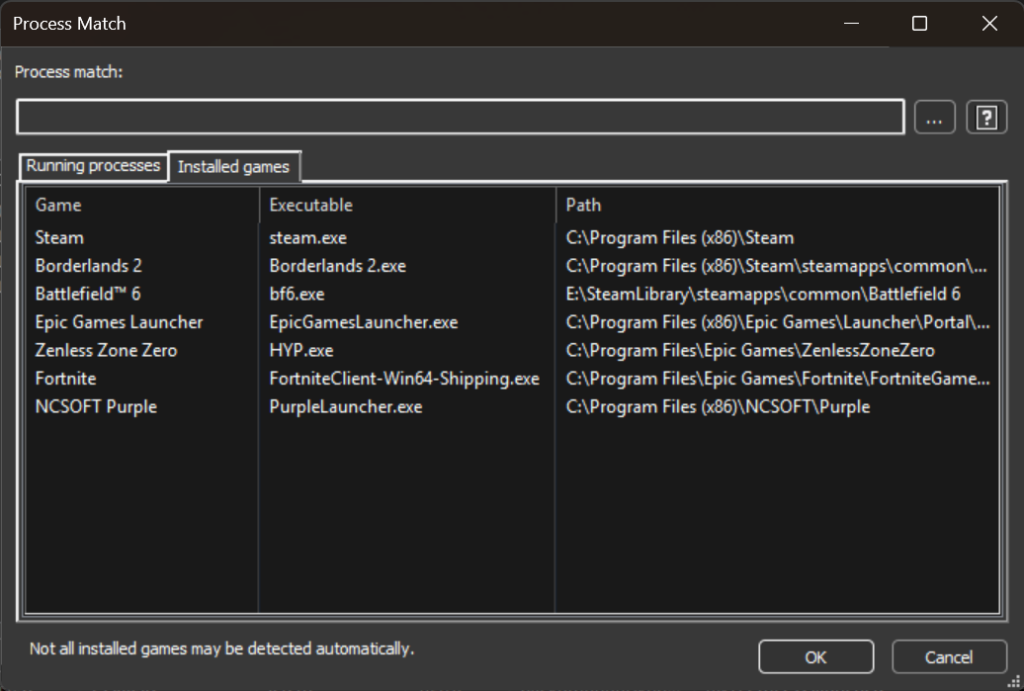
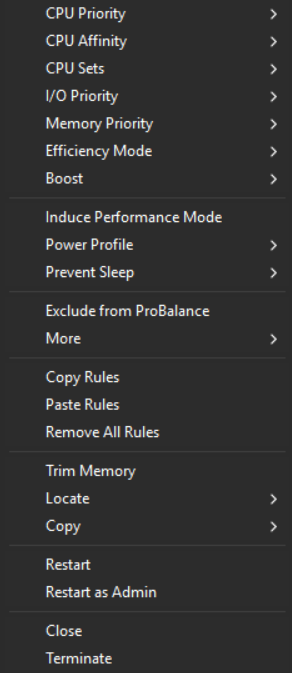
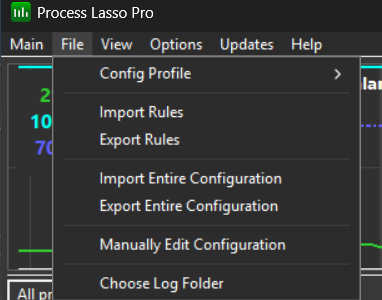
All rules in one view; double-click a column to edit it.Pick an installed game when creating a rule.The process context menu creates rules in a click.Import and export rules or the entire configuration.
CPU Affinities, CPU Sets and Priorities
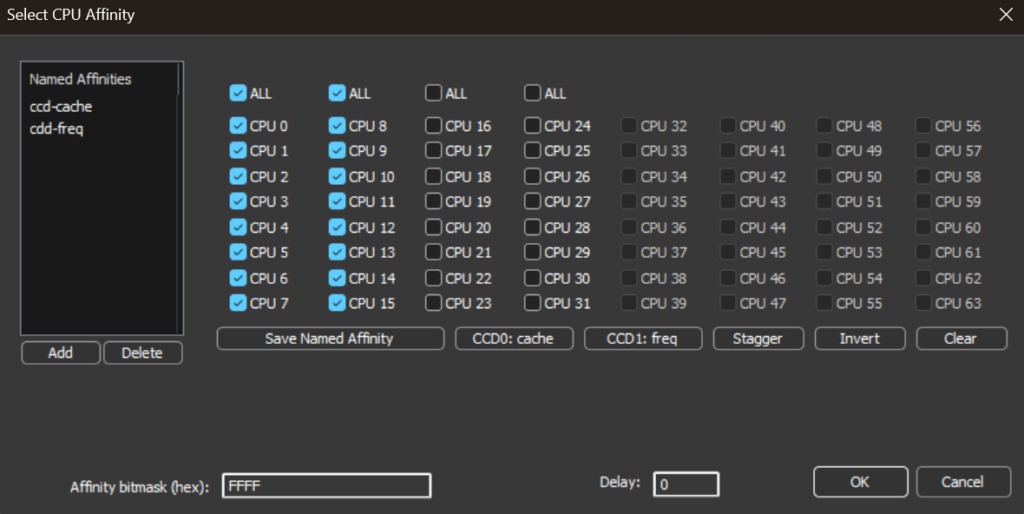
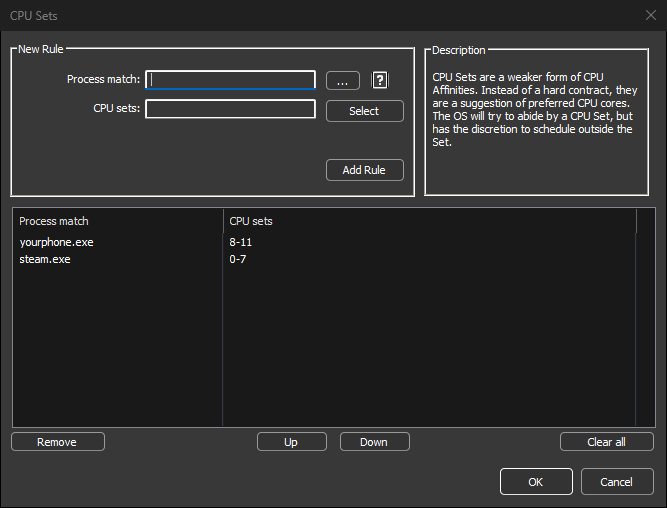
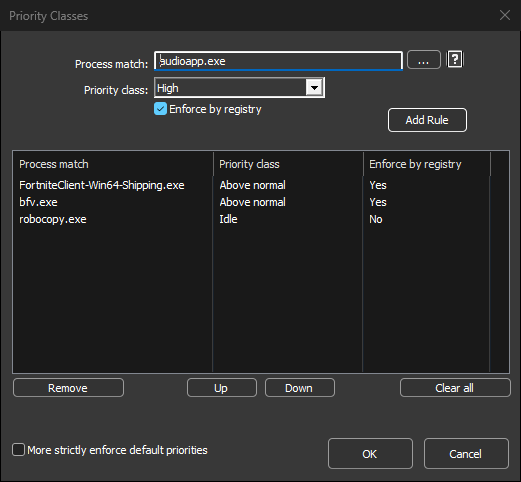
Select CPU affinity, with named presets per CCD.CPU Sets: Preferred cores, a softer form of affinity.Persistent priority classes, optionally enforced by the registry.
ProBalance
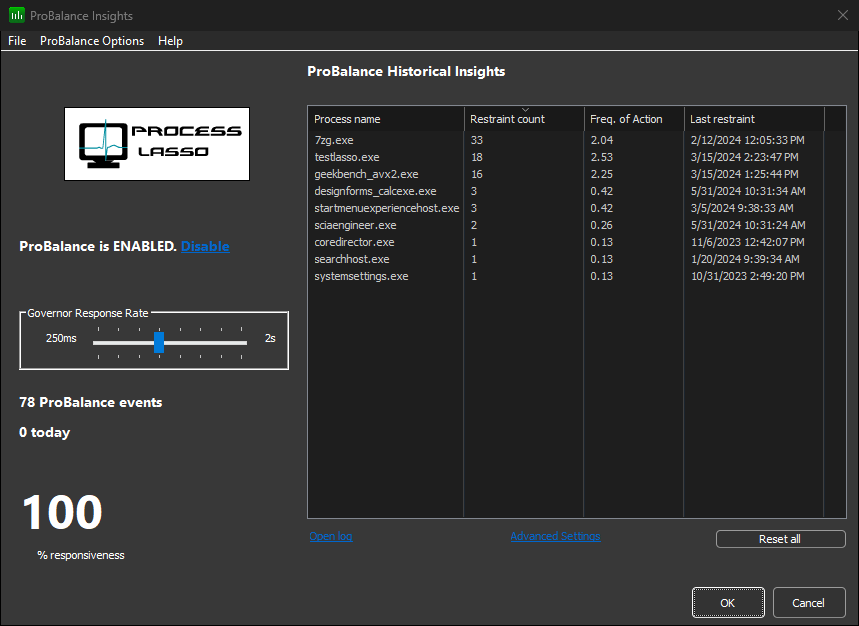
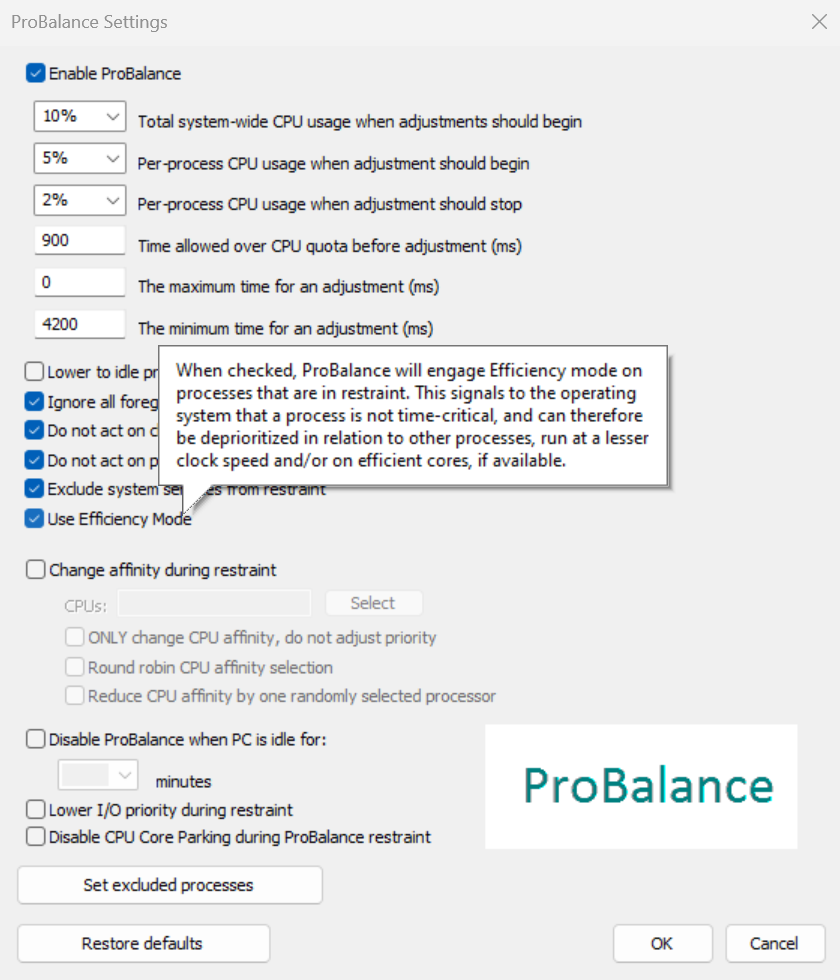
ProBalance Insights shows which processes were restrained, and when.ProBalance can also apply Efficiency mode to processes it restrains.
Power Plans and Advanced Rules
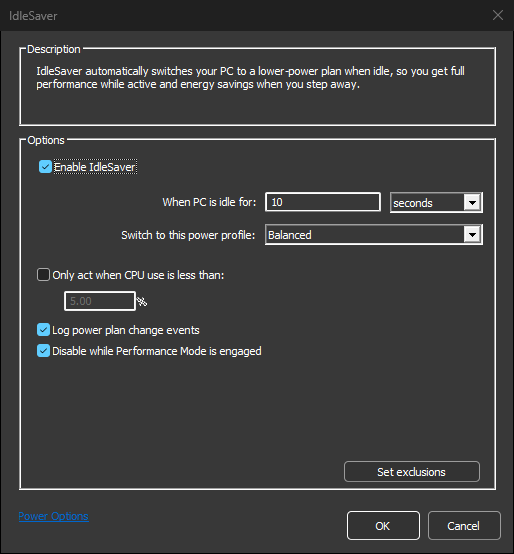
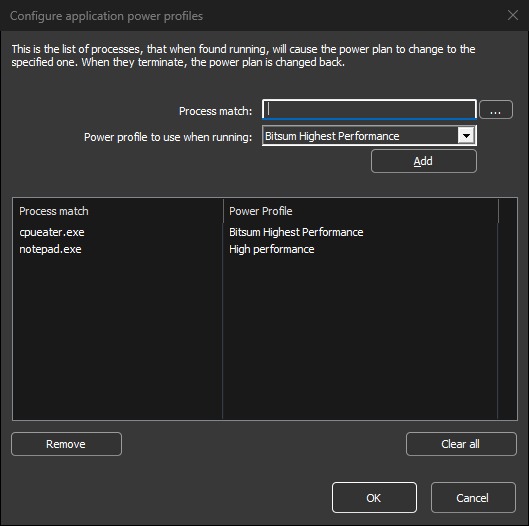
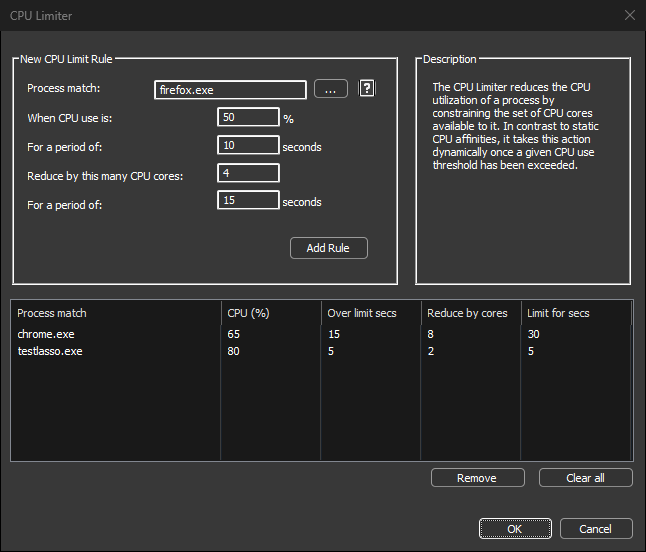
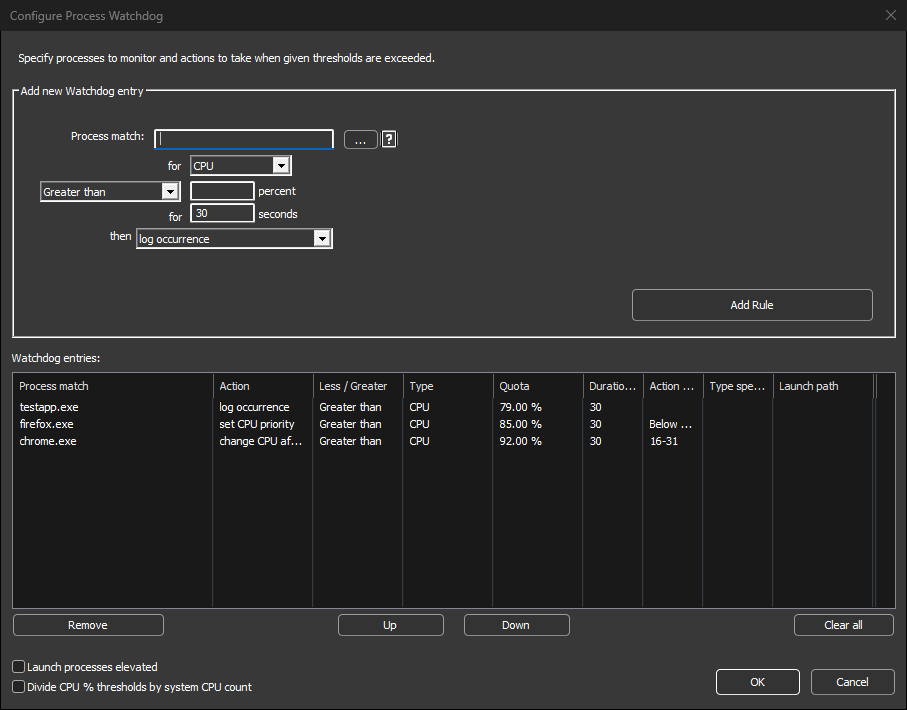
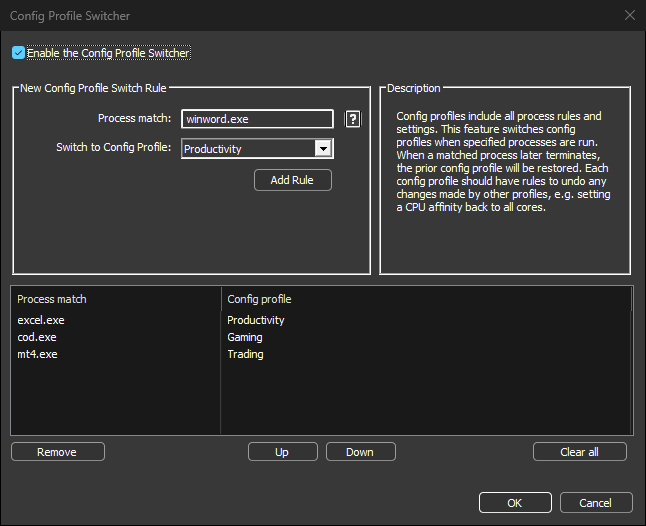
IdleSaver switches power plans when the PC is idle.Switch power plans while specific processes are running.The CPU Limiter caps a process when it exceeds a CPU threshold.Process Watchdog rules act when thresholds are exceeded.Switch configuration profiles automatically.
Bitsum Technologies
Independent Windows software since 2002. We build novel solutions to software performance and automation challenges.