Main Window
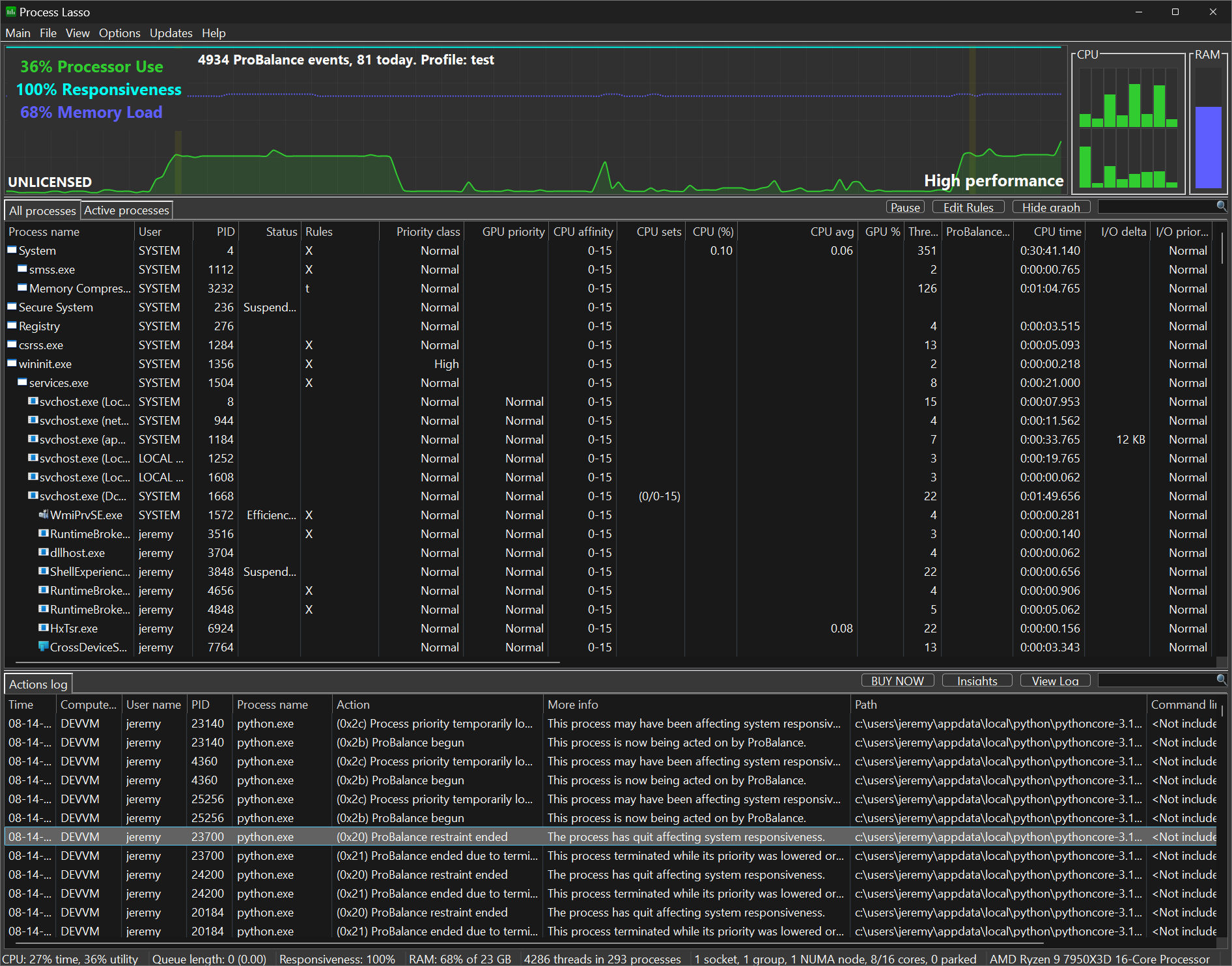
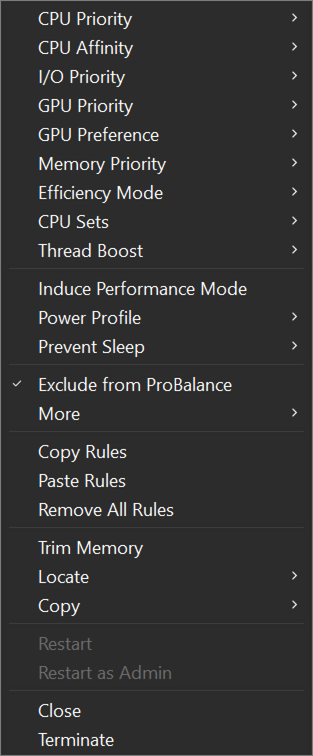
The main window consists of a CPU utilization and system responsiveness graph, a list of running processes, and a list of recent actions (log). The configuration of Process Lasso is made easy to tweak through the menu system. In the main menu you’ll find all the general configuration options. Right-clicking on a process, or multiple processes, shows available operations on those process(es).
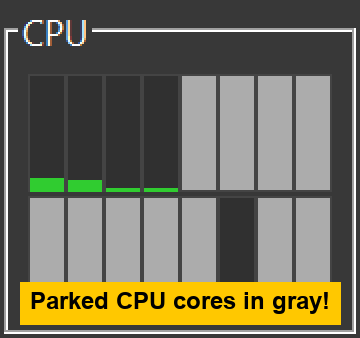
Parked CPU cores shown in grey
The Tools Menu
The Tools menu (Alt+T) gathers Bitsum's separate programs, the Windows tweaks Process Lasso keeps in place, and shortcuts to Windows' own utilities. Items marked with a shield ask for administrator rights when Process Lasso is not already running elevated.
Bitsum programs. Each opens as its own window and keeps running after Process Lasso closes.
- CPU Core Parking (ParkControl): Opens ParkControl, Bitsum's core parking and frequency scaling tool. When ParkControl is not installed, the item reads CPU Core Parking (install ParkControl...) and offers to install it.
- Interrupt Affinity Policy (IRQControl): Chooses which CPUs service each device's interrupts. See Interrupt Affinity Policy.
- DPC/ISR Latency Monitor (LatencyTest): Finds the drivers behind audio dropouts and stutter. See LatencyTest.
- Thread Scheduling Test (ThreadRacer): Races threads at different priorities to show how Windows schedules them.
- CPU/GPU/Memory Stress Test, Online (StressTest): Opens StressTest in your browser: a free CPU, GPU and memory stress test that runs in the browser, with nothing to install. It is a load test, not a ProBalance demo; for that, use ProBalance Demo (CPUEater).
- ProBalance Demo (CPUEater): Loads the CPU so you can watch ProBalance restrain the demo and keep the PC responsive.
Windows tweaks. These open dialogs in Process Lasso, which persists the settings.
- System Reserved CPU Sets...: CPUs kept free of unmanaged processes. See Reserved CPU Sets.
- System Timer Resolution...: A persisted system timer resolution. See Timer Resolution.
- Windows Scheduler Settings...: The Windows scheduler's quantum length and foreground boost, and the foreground lock timeout (how long after your last key press or mouse click other programs can't bring their windows to the front). See Windows Scheduler Settings.
- Multimedia Class Scheduler Settings...: The Multimedia Class Scheduler Service's reserved CPU share and priorities.
Windows. Task Manager, Resource Monitor and Power Options open the Windows utilities of those names.